Database Blog

Cloud Computing vs. Local Databases: A Data Security Duel
Cloud vs. Local: The Debate on Data Storage Solutions In my experience, the debate between cloud computing and local databases for data storage is a central topic among IT professionals. Cloud computing, with its vast scalability and accessibility, has revolutionized...

Database Security Essentials: 10 Tips for Keeping Your Data Safe
In a world where data breaches are becoming more common, safeguarding your database has never been more critical. With the constant threat of unauthorized access, malicious activity, and insider threats, it's essential to implement robust security measures to keep...

Streamlining IT Support in NJ: Tips for Efficient and Effective Database Services
If you’re a small to midsized business (SMB) looking for comprehensive third-party IT support in NJ, you might have noticed a problem: many managed service providers (MSPs) do not specifically offer database administration (DBA) services. The care and feeding of...

Professional SQL Consulting Services: Unlock Your Data’s Full Potential
If you are looking for Microsoft SQL consulting services, it’s key to identify the right partner for your specific needs. Many organizations need help with SQL database operational tasks like performance tuning, troubleshooting database issues, or handling a...

SQL Server Consulting Services: Maximizing Your Database Performance and Security
As your company becomes increasingly data-driven and you initiate more database projects, your Microsoft SQL Server environment inevitably increases in size and complexity—and so does the trouble a faltering, crashed or insecure database can potentially cause. ...

5 Steps to Finding the Right SQL Server Consultant for Your Business
Sometimes the need for a Microsoft SQL Server consultant seems to sneak up on you. Your database responsiveness and availability appear to be okay. Then, somewhere in the organization, someone deploys a new database alongside a new application. All of a sudden, you’re...

The Real Risks of AI
The recent release of ChatGPT, Bard, DALL-E 2, and Stable Diffusion has caused a lot of excitement and a lot of fear. In this article, we are going to dive deep into the real risks of AI. The fear takes a few forms. Some are afraid that this will lead to computers...

Securing Your Database: The Importance of SQL Server Audit to Safeguard CUI
Businesses that handle Controlled Unclassified Information (CUI) or other sensitive data need to comply with applicable information security and privacy regulations to minimize the risk of a data breach, data loss, and other threats to data confidentiality, integrity,...

Oracle SQL Firewall: A New Feature That Blocks Top Database Attacks in Real-Time
Oracle 23c introduces a very powerful and easy-to-use database security feature that many users will want to try, especially for web application workloads. Called Oracle SQL Firewall, it offers real-time protection from within the database kernel against both external...

Navigating Database Cloud Migration: How to Choose the Best Cloud Migration Services
Thinking of moving your database from your data center to a cloud or managed hosting provider? There are lots of options, and choosing the right cloud migration services for your workload takes research and planning. To get the most business value from your move to...

The Importance of Oracle Database Performance Tuning
Oracle databases are the beating heart of many companies, supporting mission-critical online transactions and analytics. Monitoring Oracle database health and proactively identifying bottlenecks can help avoid slow or unresponsive applications that impact users’...
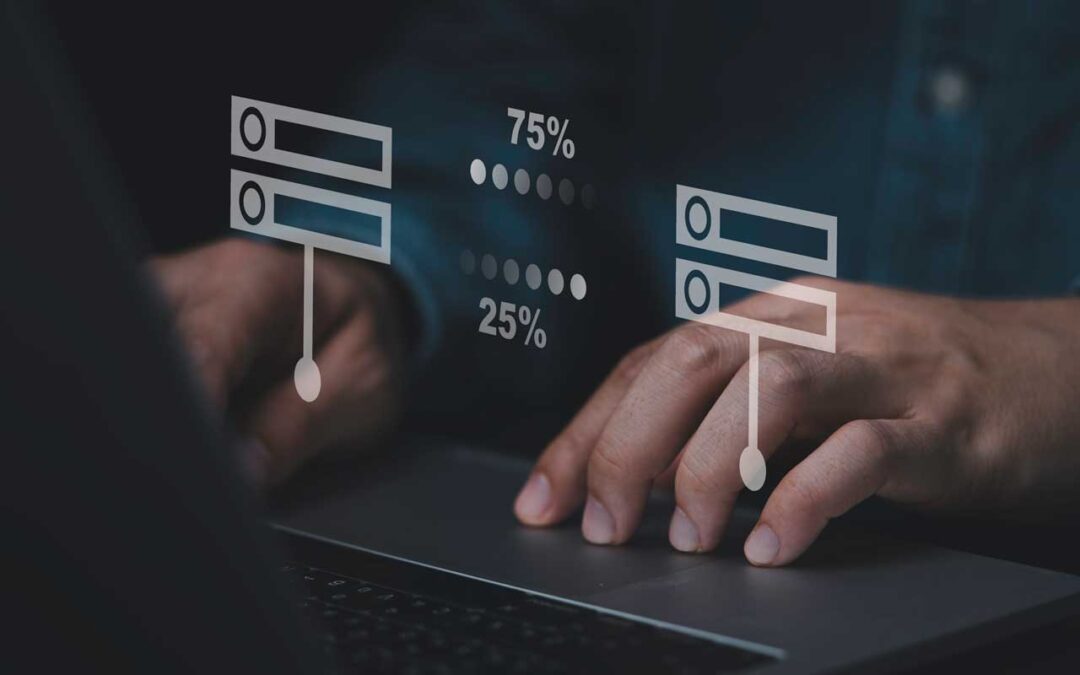
5 Tips for a Successful Oracle Database Migration
Companies need to migrate Oracle data for a long list of reasons, such as moving workloads from on-premises to a cloud or managed hosting environment, implementing a new system, or launching a big data initiative. But whatever their aim, Oracle database migration...

The Ultimate Oracle Database Security Assessment Checklist for 2023
They are two simple words, but they are two of the most feared words in business: Data Breach! When companies lose their data, they also lose stakeholder trust and the ability to conduct “business as usual.” One common security gap is that many companies focus on...
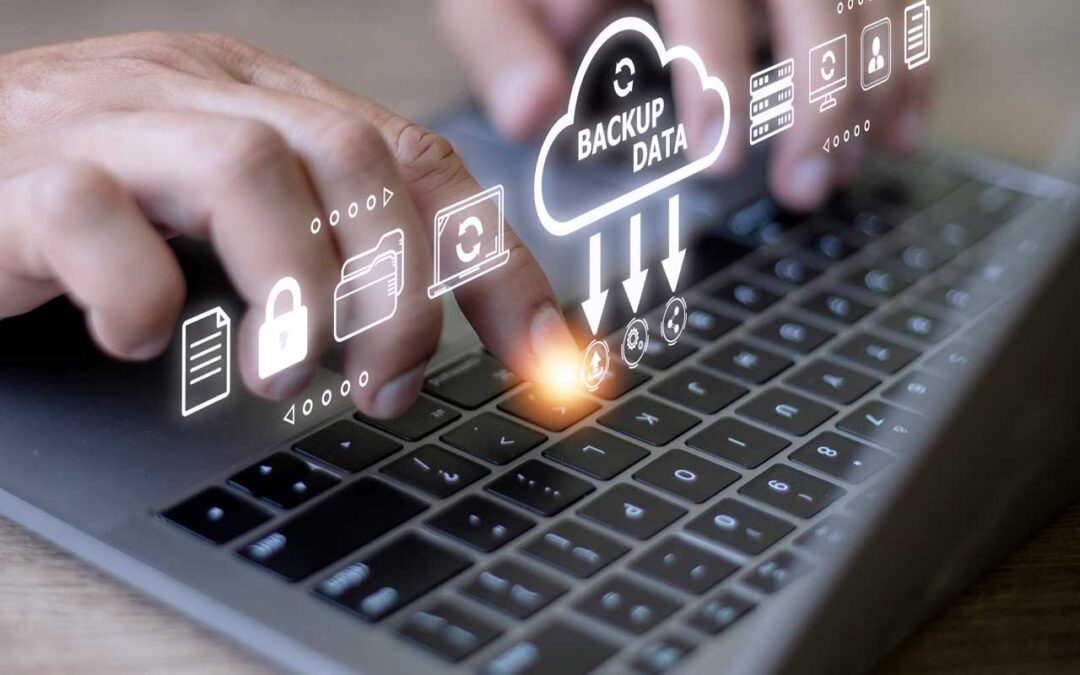
Testing Your Oracle Database Disaster Recovery Plan
Your Oracle database needs its own disaster recovery (DR) plan to ensure that its recovery time objective (RTO) and recovery point objective (RPO) are met in the event of an outage. Some level of Oracle database disaster recovery testing is the only way to shake out...

RTO vs RPO: Which Should You Prioritize for Disaster Recovery?
Disasters can range from a critical database crashing to a ransomware attack to the complete stoppage of your business operations. Whatever happens, two concerns top the list: how long will it take you to recover, and how much data will you lose? To make sure you...

Advantages and Disadvantages of Thin Provisioning
Thin provisioning uses virtualization technology to allocate disk storage capacity on demand as your needs increase. Thick provisioning is the counterpart strategy of pre-allocating storage capacity upfront when you create a virtual disk drive. Thin provisioning...

When You Should Use TDE vs Always Encrypted
Microsoft SQL Server and Microsoft Azure SQL Database offer two complementary encryption options: Transparent Data Encryption (TDE) and Always Encrypted. This blog post will help you decide when to use TDE versus Always Encrypted, and when to combine them for a...
Why We Don’t Always Do What The Customer Asks?
When we ask our customers why they love working with Buda Consulting, the answer we typically get is that we listen to them and we do what they ask (Apparently this is rare in the database support field). And we almost always do. But not always! The Request When I...

Oracle Database Assessment: Here’s What to Focus On
Organizations need to keep a close watch on Oracle operations to ensure agreed service levels are always being met. Database downtime can quickly lead to financial and reputational impacts, making periodic Oracle database assessments integral to the smooth operation...

How CIS benchmarks plug Cybersecurity Framework Gaps
While a good Cybersecurity Framework specifies the implementation of controls to mitigate information-related risk for the full life cycle of critical data, in practice I have observed that in many organizations the framework implementation tends to focus on the...